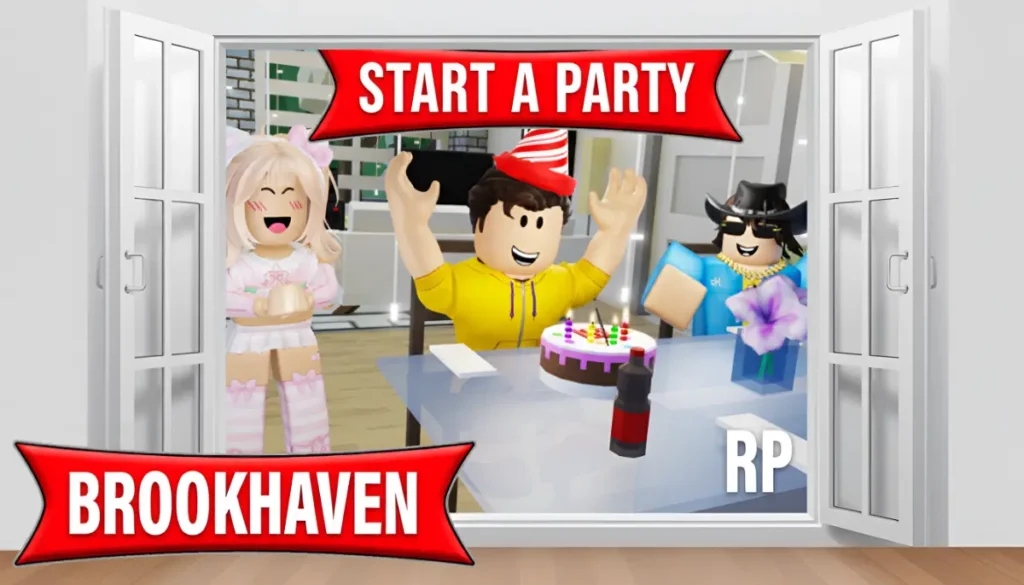
The Brookhaven RP Party Update is now fully live as part of the January 2026 content patch. Players across all servers can throw organized in-game parties, easily invite friends from their list, and select from four distinct party types directly within their chosen house. This update builds on Brookhaven’s core social roleplay focus by adding structured tools for group gatherings, making it simpler and more engaging to connect with others during casual or themed sessions.
What’s New in the Brookhaven RP Party Update
This patch delivers a complete party hosting system designed for players to create events right inside any available house in the game. After entering or purchasing a house, a prominent party button appears at the top center of your screen for quick access.
Clicking the button reveals a straightforward party menu with these core options:
- Invite friends who are currently online in your server or even those who are offline elsewhere.
- Send clear party notifications that show up in their messages.
- Automatically teleport accepted guests straight to your house once the event starts.
The system streamlines group coordination compared to past methods like manual chat directions or friend teleports, which often led to confusion in busy servers.
Related Topic
All 4 Brookhaven Party Types
Brookhaven now includes four specialized party modes, each with tailored decorations, sounds, and interactive props to match specific occasions or moods:
House Party (Free): A basic, no-cost gathering option ideal for everyday hangouts, roleplay chats, or small friend meetups with minimal setup.
Birthday Party (R$25): A celebratory setup featuring a slicable birthday cake for sharing, confetti blasters to fire off, wearable party hats, and looping birthday music to set the festive tone.
Dance Party (R$25): A high-energy mode with a spinning disco ball emitting colorful lights, glow sticks for players to hold, stylish party sunglasses, and continuous upbeat dance tracks.
Taco Party (R$25): A playful food-themed event including a full taco stand for serving, a piñata ready to smash for surprises, and the familiar “raining tacos” music playing throughout.
Additional house layouts will gain full party compatibility in upcoming patches, expanding options beyond current homes.
How to Start a Party in Brookhaven
Hosting works through a simple, step-by-step process that takes just seconds to launch:
- Enter or buy your preferred house from the in-game property selection in Brookhaven RP.
- Spot the new party button positioned at the top of your user interface.
- Select your desired party type from the list: House, Birthday, Dance, or Taco Party.
- Send targeted invites to specific online or offline friends via the built-in list.
- Activate the party, and watch as accepted players automatically teleport into your house to join.
Once active, the house transforms with all included props, lighting, and audio, creating an instant event space without any manual placement required.
Why This Update Matters
Beyond surface-level decorations, the Party System introduces reliable multiplayer coordination tools to Brookhaven RP’s open-world roleplay. It allows quicker player connections, smoother event planning, and less dependence on server chat or random joins for social activities.
Content creators, YouTubers, and group leaders benefit most, as they can now run structured community events, contests, or roleplay scenarios with guaranteed attendance and themed visuals already in place.