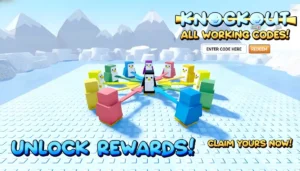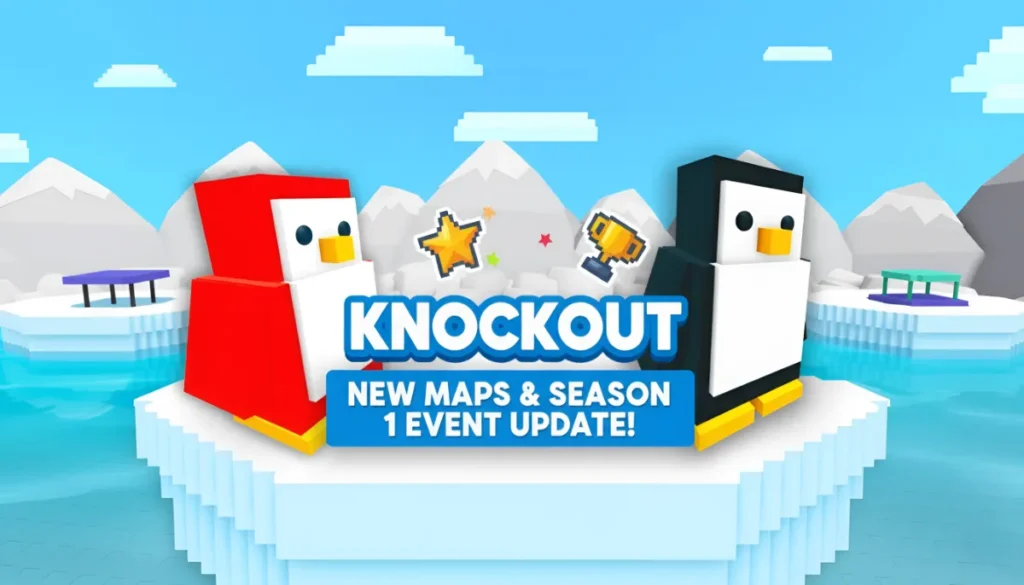
Knockout Roblox is getting a new update on March 28, 2026, featuring brand‑new maps and a refreshed Season 1 event experience. In this guide, you’ll learn what to expect from the update, how Season 1 ties into the patch, and how to see the event time in your own local clock.
Knockout Update March 28, 2026 Roblox
What the March 28 update includes
The official Roblox event page for this update is titled “??? Update – Knockout!” and includes the line:
“Sign up to not miss out on an awesome update with new maps, and Season 1?!!”
This strongly suggests the March 28 patch will bring:
- New maps – The event listing explicitly mentions “new maps”, which means at least one or more arenas will be added to the map pool or rotated into the current map cycle.
- Season 1 event refresh – Season 1 (the battle‑pass‑style track that launched earlier in 2026) is already live. This update is re‑promoting Season 1 with new quests, map‑rotation changes, and fresh rewards, rather than announcing a completely new Season 2.
- Event‑sign‑up perks – The event page urges players to “sign up to not miss out”, which usually means you’ll receive notifications about the update and may get small event‑only rewards or code hints when the patch goes live.
Even though full official patch notes are not yet public, Season‑style updates in February and March 2026 followed this pattern of adding new maps, tweaking arena behavior, and boosting Season 1 rewards, so you can expect something very similar on March 28.
Related Topic
How to read the event time in your own time zone
Roblox currently shows the Knockout update window as:
- Event date: Saturday, March 28, 2026
- Server time window: 8:00 AM – 9:00 AM (Roblox server time)
When you open the “??? Update – Knockout!” event page on Roblox, the displayed time is automatically converted to your local time zone, so you do not need to convert it manually. The underlying server window stays the same; Roblox just translates it into your region’s clock.
You can use the table below to see approximate times for major regions.
| Country (Region) | Time Zone | Approx. Event Time |
| United States – New York (EST) | UTC‑5 | 8:00 AM – 9:00 AM (EST) |
| United States – Los Angeles (PST) | UTC‑8 | 5:00 AM – 6:00 AM (PST) |
| Canada – Toronto (EST) | UTC‑5 | 8:00 AM – 9:00 AM (EST) |
| Canada – Vancouver (PST) | UTC‑8 | 5:00 AM – 6:00 AM (PST) |
| United Kingdom – London (GMT) | UTC+0 | 1:00 PM – 2:00 PM (GMT) |
| Germany – Berlin (CET) | UTC+1 | 2:00 PM – 3:00 PM (CET) |
| France – Paris (CET) | UTC+1 | 2:00 PM – 3:00 PM (CET) |
| Spain – Madrid (CET) | UTC+1 | 2:00 PM – 3:00 PM (CET) |
| Australia – Sydney (AEDT) | UTC+11 | 10:00 PM – 11:00 PM (AEDT) |
| Brazil – São Paulo (BRT) | UTC‑3 | 10:00 AM – 11:00 AM (BRT) |
| Mexico – Mexico City (CST) | UTC‑6 | 7:00 AM – 8:00 AM (CST) |
| Japan – Tokyo (JST) | UTC+9 | 8:00 PM – 9:00 PM (JST) |
| China – Beijing (CST) | UTC+8 | 7:00 PM – 8:00 PM (CST) |
| Russia – Moscow (MSK) | UTC+3 | 4:00 PM – 5:00 PM (MSK) |
Related Topic
How to prepare for the March 28 update
Before the update goes live, here’s a practical checklist you can follow (and recommend to your readers):
- Sign up for the event – Join the “??? Update – Knockout!” event on Roblox so you get notifications and any event‑only perks or code hints when the patch lands.
- Join the official Knockout Discord server – The dev team often posts the first patch notes, new codes, and extra announcements in the #announcements or #updates channels shortly after the update.
- Watch top Knockout creators – Major Roblox‑Knockout YouTubers tend to upload live reactions, patch‑breakdown videos, or “all new maps” streams around the same time as the update, so you can cross‑check what changed.
- Log in a few minutes early – Logging in just before the event window helps you catch the update the moment it drops and grab any instant‑spawn codes or event rewards as soon as they appear.