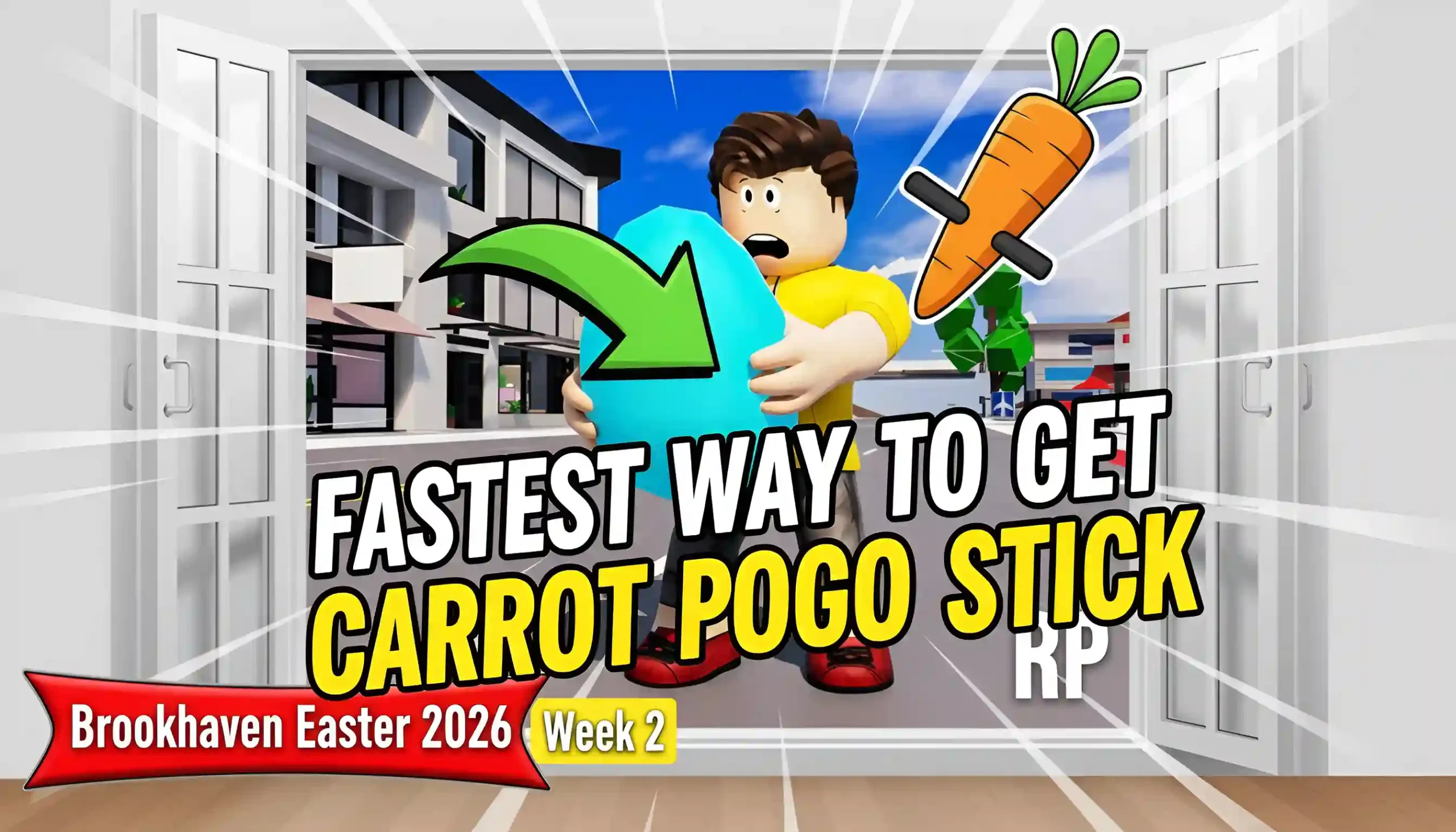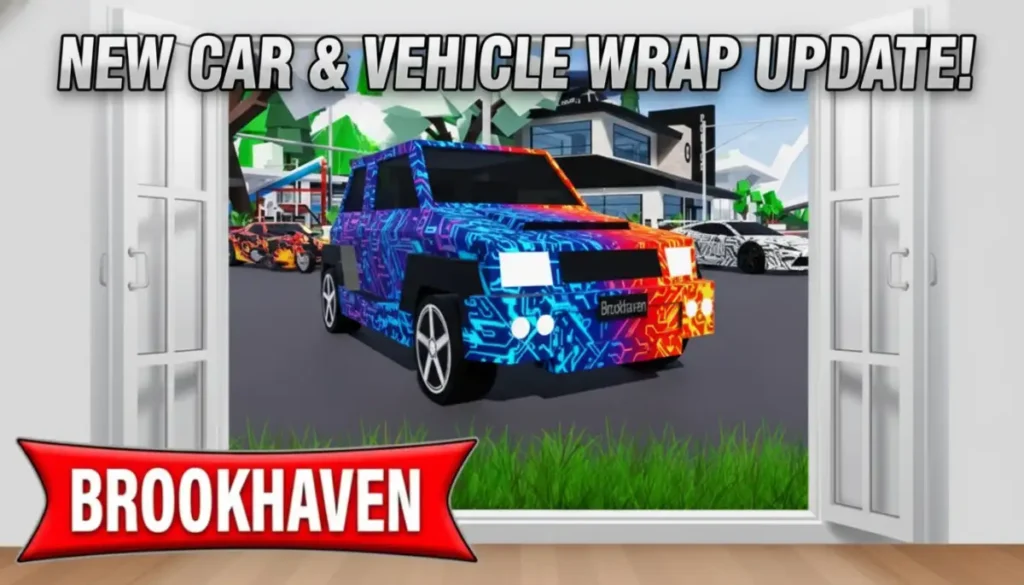
The Brookhaven RP New Car & Vehicle Wrap Update adds new ways to ride and change cars in this fun Roblox roleplay game. Players now go around town roads with cool new cars that match different play styles. This update gives choices for all, from big explorers to fast city riders. It also makes cars look better, helping them stand out in group fun or alone trips.
This article covers the main changes, like the new cars and how to get them. Details include car wraps for your own style and other helpful fixes. Follow along to see what makes Brookhaven more exciting today.
Brookhaven RP New Car & Vehicle Wrap Update Overview
Brookhaven RP stays one of Roblox’s top games with over 77.1 billion visits because updates like this keep it fresh. The New Car & Vehicle Wrap Update focuses on driving improvements for roleplay. Developers tested features carefully before release on January 10, 2026. Everyone plays these changes now, no matter the device.
New items help create stories, like family outings or races. Cars spawn easily, and wraps add color without extra work. Prop controls also change, but cars take center stage. This makes town exploration smoother for beginners and experts alike.
Related Topic
Three New Cars Explained
The update adds three vehicles right away. Each one suits different needs in Brookhaven’s big world. Players find them in the Vehicles menu without buying gamepasses. Here is what makes each special.
JDM SUV: This strong car handles bumpy paths near the woods or hills. It seats more friends for group roleplay, like a school trip. Top speed reaches 80 studs per second, good for safe drives.
Micro Kei Truck: Small size fits tight spots, such as parking at the mall or delivering packages. Perfect for jobs like mail carrier in roleplay. It turns quickly but carries less weight.
JDM Sport (Vehicle Pack): Fastest of the three at 95 studs per second, ideal for sporty fun or escaping pretend chases. Sleek design impresses at the airport or club.
These cars join over 100 others, giving more options than before. No limits on spawns, so switch anytime.
How to Get the New Cars Step by Step
Unlocking stays easy, just like old vehicles. Follow these clear steps inside the game.
- Join Brookhaven RP and wait for the world to load fully.
- Look at the right side of your screen for the Vehicles button with a car icon.
- Click it to open the full list, then scroll down to spot the new ones marked fresh.
- Select JDM SUV, Micro Kei Truck, or JDM Sport it appears nearby ready to drive.
- Press E to enter, W-A-S-D to move, and shift for turbo if available.
If the list lags, refresh the game. Cars save in your garage for next visits. No codes or quests needed.
Related Topic
Vehicle Wraps: Make Cars Your Own
Vehicle Wraps change plain cars into colorful rides. This feature lives in the Vehicle Customization Gamepass for 159 Robux. Once bought, 30 wraps appear for any vehicle, not just new ones.
Wraps include patterns like stripes, flames, or camo. Apply them at garages or dealerships. Steps include:
- Buy the gamepass from the store tab.
- Spawn a car and enter customization mode.
- Pick a wrap from the menu and confirm it sticks until changed.
This adds roleplay flair, like team colors for friends. Wraps do not affect speed but boost looks during parades. Free players stick to colors, but wraps make premium rides shine.official-brookhaven.
Comparison of New Cars!
See differences in one table for quick checks.
| Car Name | Best For | Seats | Top Speed (studs/sec) | Size |
| JDM SUV | Off-road trips | 4-5 | 80 | Large |
| Micro Kei Truck | City jobs | 2 | 65 | Small |
| JDM Sport | Races and speed | 2 | 95 | Medium |
JDM SUV wins for groups, while JDM Sport leads in fun speed tests.
Related Topic
Tips for Using New Cars in Roleplay
Drive safely to avoid crashes. Park at spots like Auto Mall to show wraps. Combine with houses for stories, such as SUV camping or truck deliveries. Friends join rides easier now with better seats.
Watch roads near Police Station speed limits apply in pretend laws. Use new Prop Controls to build car washes or tracks. Test wraps on Micro Kei first, as small size shows details best.
Other Update Changes: Props and Fixes
Prop Controls upgrade building. Move items with mouse, rotate with keys, and lock places. No more stuck furniture clear with one button.
- Bug fixes stop old problems:
- Movie Studio fire prompts work again.
- Garage Vault opens properly.
- Big vehicles spawn without glitches.
Related Topic
Notifications alert house visits, and Music Player has volume sliders. Color Pickers reset easy. These make play smoother.