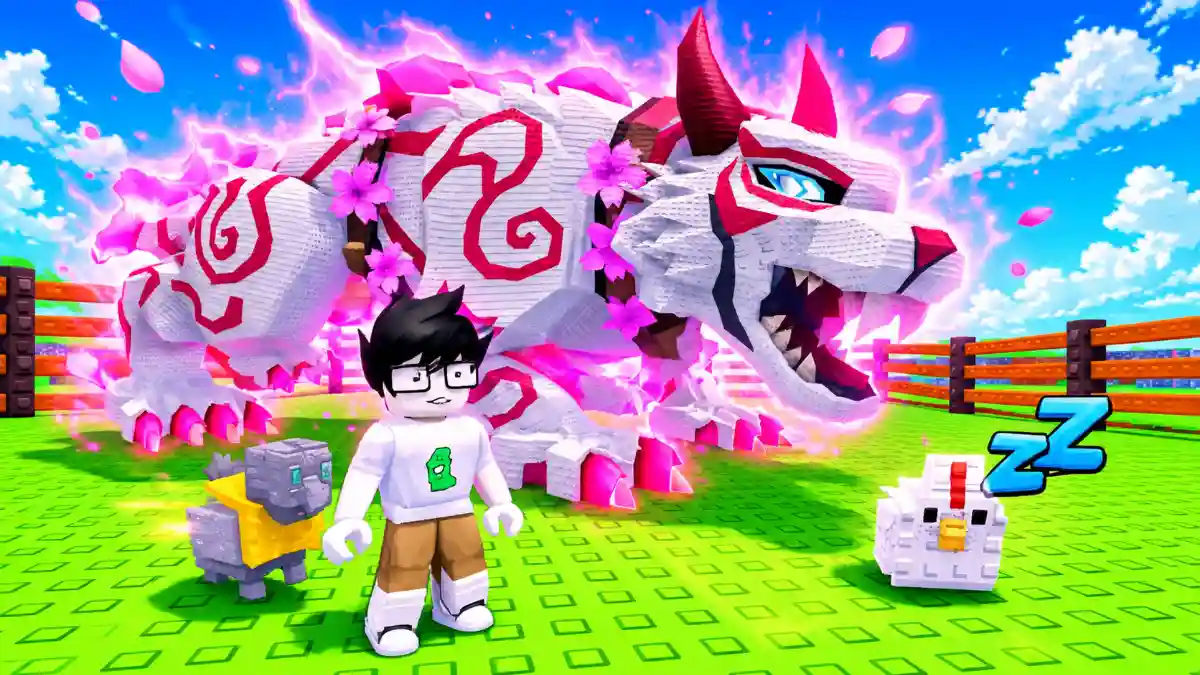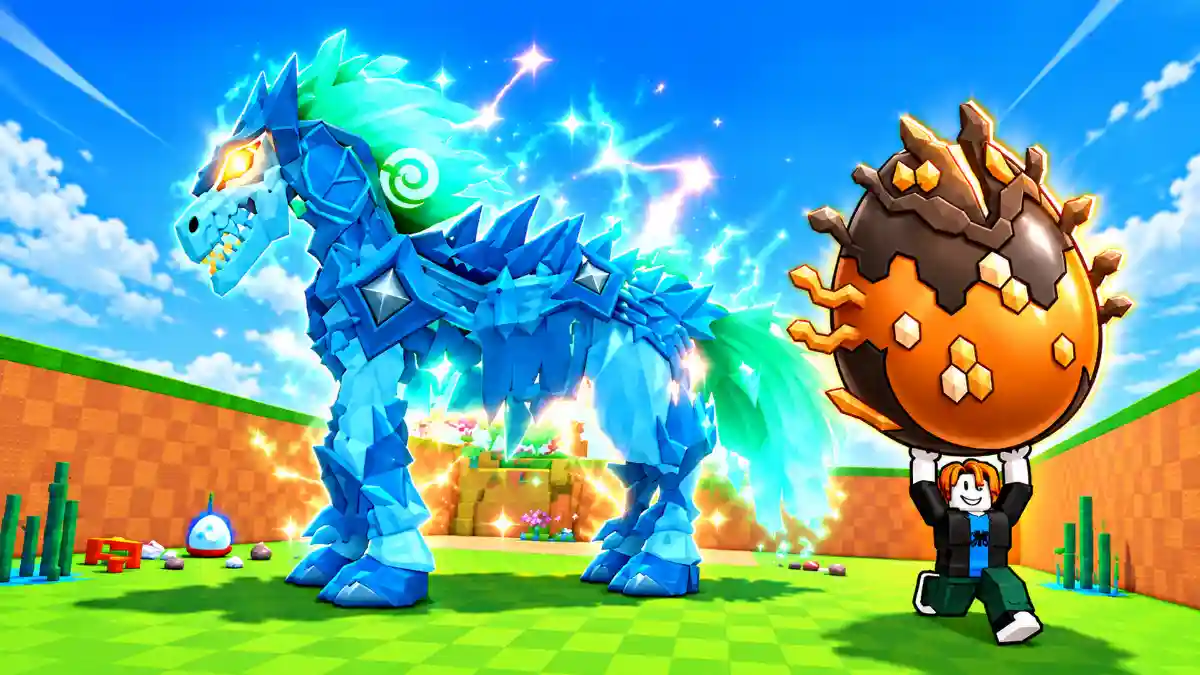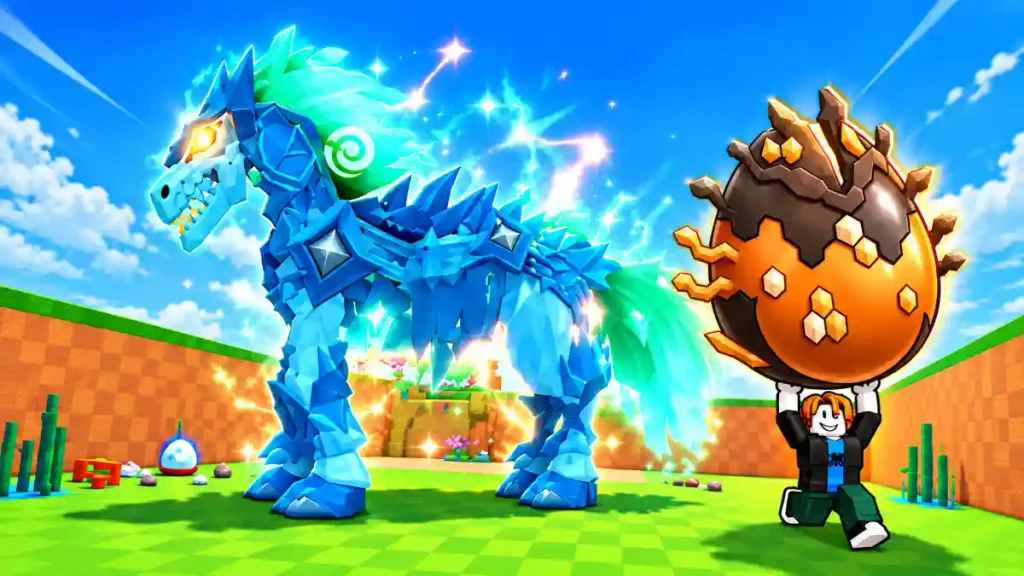
Steal an Egg is a Roblox game where you collect eggs, hatch pets, and build an income-producing collection. The mount feature gives your pets another purpose: you can turn them into companions that you ride around the map.
To get a mount in Steal an Egg, you need to feed a Shooting Star to a pet. You can obtain Stars through the nighttime Shooting Star event or purchase them from Stellaris the Star Handler.
Choose your pet carefully before using the item. Converting a pet consumes the Star, and the conversion cannot be undone.
How to Get Stars in Steal an Egg
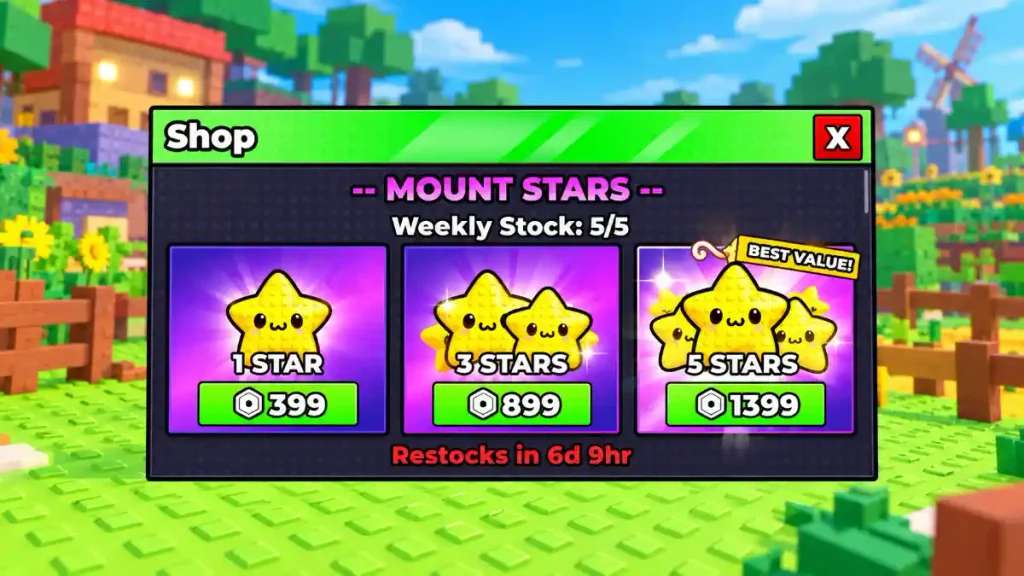
There are two main ways to obtain Stars: qualify for a free event reward or buy them from the Star Handler. You do not need to purchase a Star if you are willing to wait for the event.
Get Free Stars From the Shooting Star Event
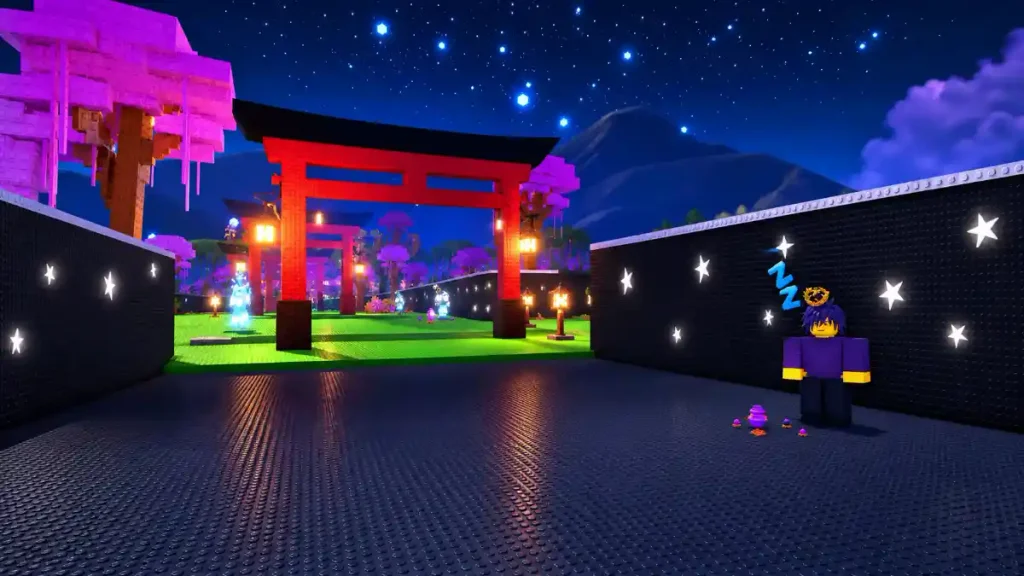
The Shooting Star event can occur randomly at night. It is not guaranteed to happen during every nighttime cycle, so you may need to stay in a server through several in-game days.
There is also an important eligibility requirement. You must be in the server from the beginning of that in-game day to qualify for its Shooting Star reward.
This means joining a server after the day has already started can prevent you from receiving a Star, even if you see the event happen later that night.
To give yourself a chance at the free reward:
- Join a Steal an Egg server.
- Stay until a new in-game day begins.
- Remain in that server through the day and into nighttime.
- Watch for the Shooting Star event.
- Follow any reward instructions displayed in the game.
Avoid repeatedly changing servers while waiting. Moving to another server may put you into a day that has already started, leaving you ineligible for that cycle.
The event is random, so staying eligible does not guarantee that a Shooting Star event will occur immediately.
Buy Stars From Stellaris the Star Handler
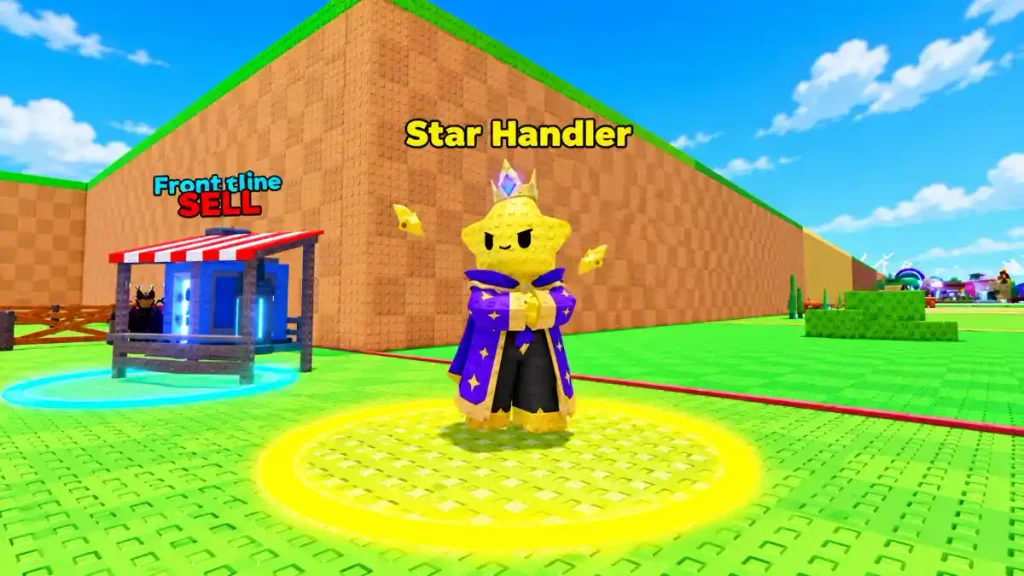
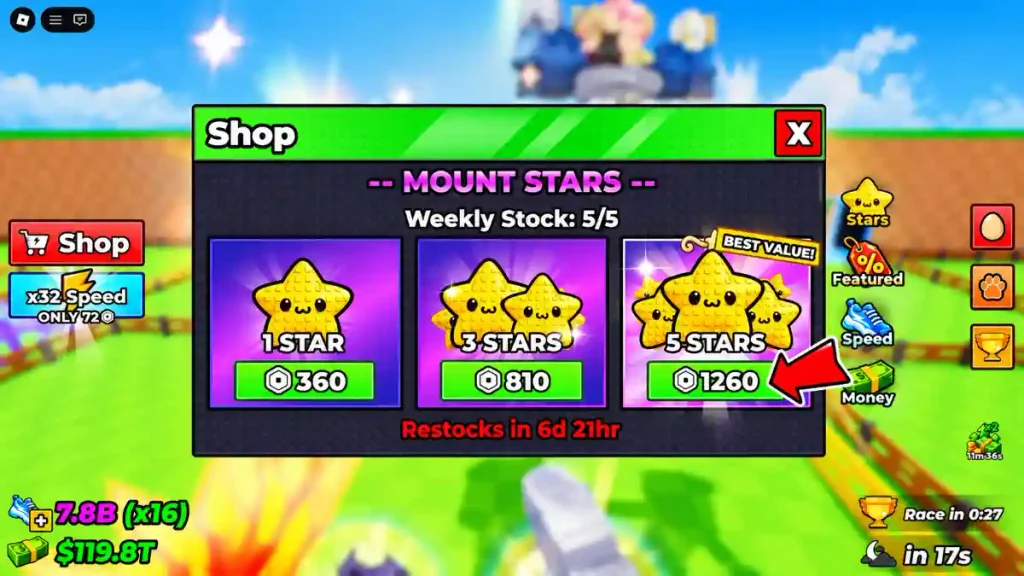
If you do not want to wait for the event, visit Stellaris the Star Handler and check the available Star purchases.
The reported purchase limit is five Shooting Stars per week, with the limit resetting on Saturday. Check the shop before buying because its displayed options, prices, and remaining purchase allowance are the information that matters for your account.
Before confirming a purchase:
- Check how many Stars the option provides.
- Read the current price.
- Check your remaining weekly allowance.
- Decide which pet you want to convert.
- Make sure you understand that the Star is consumed when used.
Buying a Star offers an alternative to waiting for a random event. However, it is not necessary if you are happy to work toward a free Star instead.
Steal an Egg Mounts
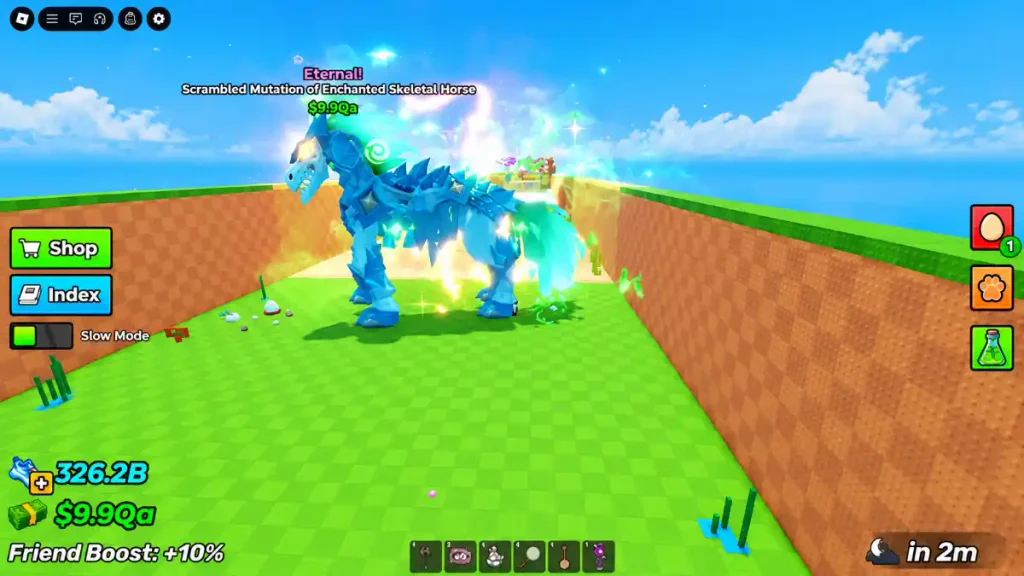
How to Turn a Pet Into a Mount
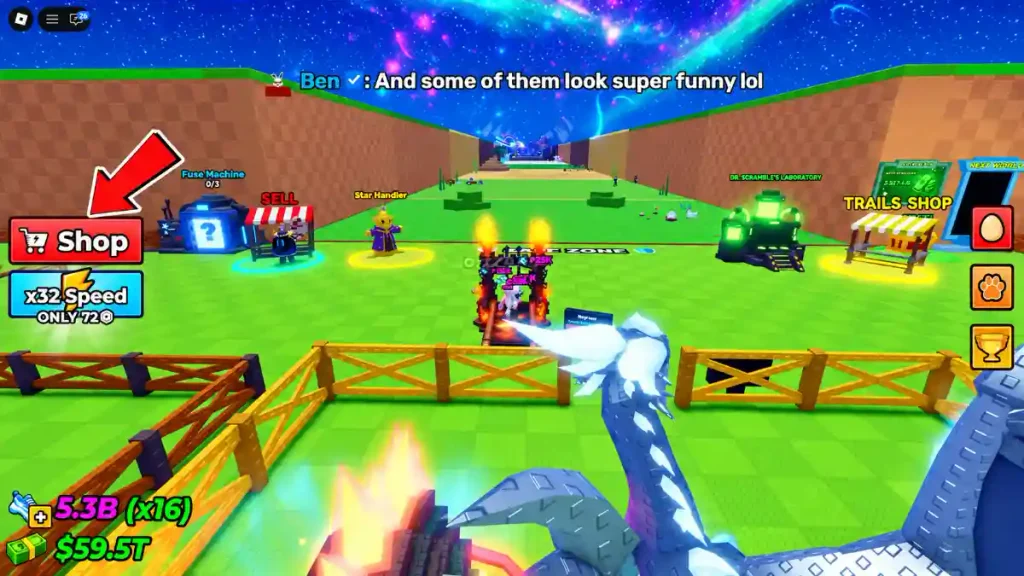
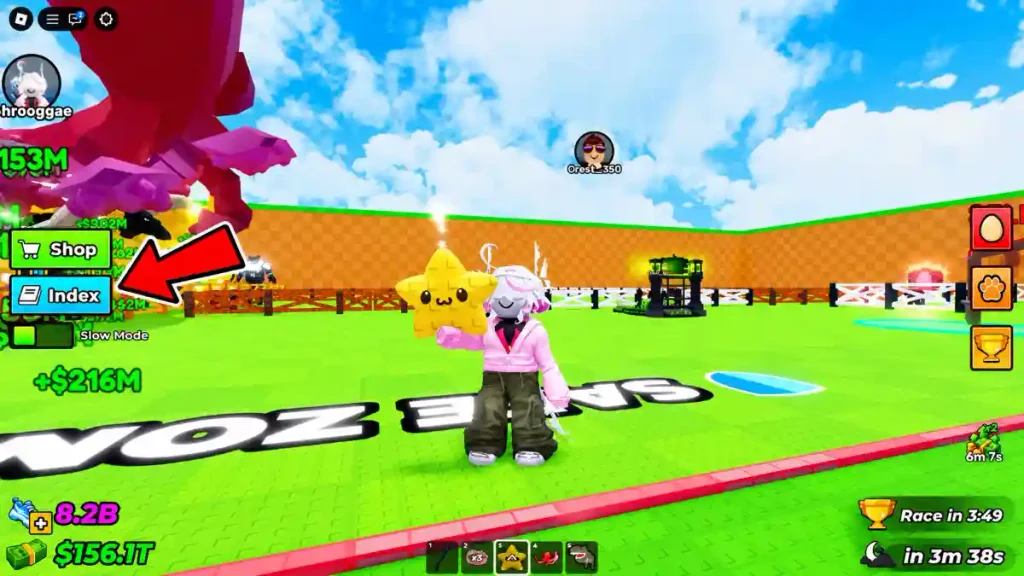
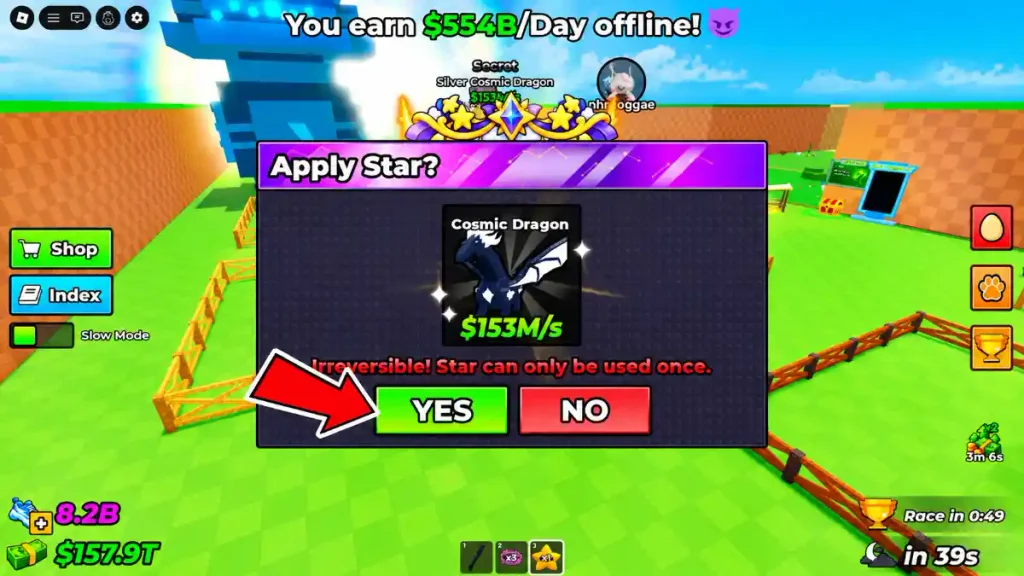
Once you have a Star, you can use it to convert a pet into a mount.
The basic process is:
- Open your item inventory.
- Find and select the Shooting Star.
- Choose the pet you want to turn into a mount.
- Read the conversion prompt carefully.
- Confirm that you want to use the Star on that pet.
Check the selected pet before the final confirmation, especially if you own several pets that look similar.
One Star is used for one conversion. It is not a reusable item that unlocks mounts for your entire collection.
Can You Undo a Mount Conversion?
No. The reported mount conversion cannot be reversed, and the Star is consumed when you use it.
For that reason, do not rush through the confirmation window. Make sure you have selected the pet you actually want to ride.
Do not assume that converting an expensive or rare pet will automatically give you the fastest mount. A verified comparison of mount Speed bonuses is not available here, so choose based on confirmed in-game information rather than rarity alone.
How to Ride Your Mount
Converting a pet and riding it are separate actions. Using the Star prepares the pet to become a mount, but you still need to select its riding option.
After conversion:
- Open the equipped-pets menu.
- Find the pet you converted.
- Select its Ride option.
- Use your normal movement controls to travel around the map.
When you want to stop riding, use the dismount option shown by the game. Follow the interface on your device rather than assuming that a keyboard shortcut applies to every platform.
If you cannot find the Ride option, first check that you are looking at the converted pet. Having a Star in your inventory is not enough; it must already have been used on that pet.
Why Did You Not Receive a Free Star?
Seeing nighttime arrive does not mean you will automatically receive a Star. Check these possibilities before assuming the event is broken.
You Joined After the Day Started
The free reward has an eligibility condition tied to the beginning of the in-game day.
If you joined partway through the cycle, stay until the next day begins and remain in the same server. That gives you a chance to meet the requirement for the next event.
The Event Did Not Happen
The Shooting Star event is random. A normal nighttime cycle does not guarantee a Star reward.
Continue playing while you wait, but do not treat every night without an event as a failed reward.
You Changed Servers
Switching servers can place you into another day already in progress. It also makes it harder to track whether you were present from the start of that server’s current day.
For the free-Star method, remaining in one server is the clearer approach.
What to Check Before Using Your First Star
Before converting your first pet, check three things: the selected pet, the permanent-conversion warning, and the item you are about to consume.
Keep Star collection and mount conversion separate in your planning. You can obtain a Star first and decide which pet to use it on afterward.
If you are still learning the game, continue building your pet collection and understanding normal progression while waiting for the nighttime event. A mount is a specific feature to unlock, not a reason to rush an irreversible choice.