Minecraft survival begins with punching trees, hiding from zombies, and constructing a dirt house that somehow looks worse than the dirt around it
Towny adds a new challenge: building a community with its own land, economy, residents, and possibly a mayor who takes their job far too seriously
This guide explains how to join or create a town, claim a plot, protect your builds, and avoid turning your medieval kingdom into an expensive potato farm
1. What Is Minecraft Towny?
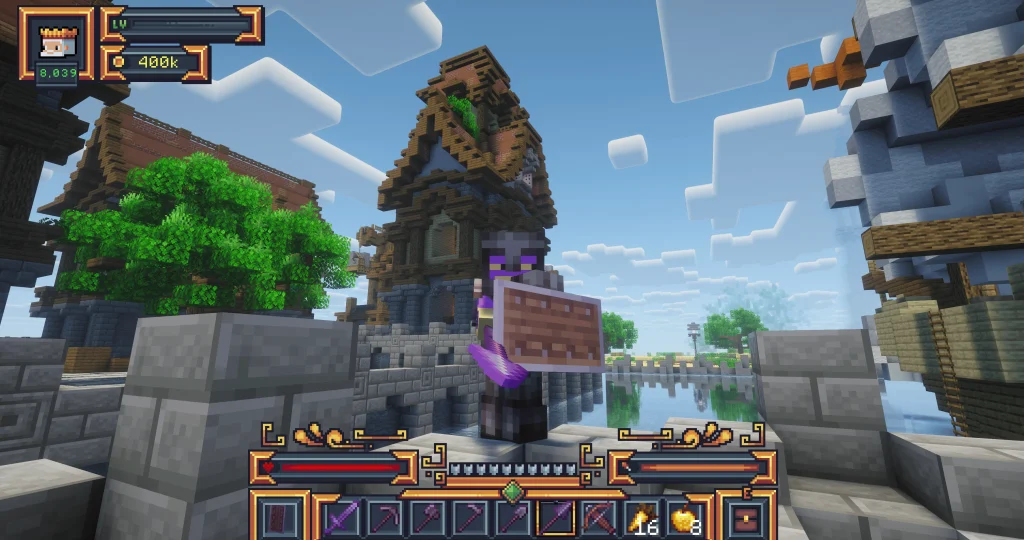
Towny is a Minecraft plugin that lets players organize survival worlds into towns and nations, with claimed land and configurable permissions
The main features are simple:
- Towns: Settlements led by mayors and populated by residents
- Plots: Individual pieces of town land assigned or sold to players
- Nations: Alliances of towns with additional political options
- Protection: Rules controlling who can build, break, and interact with blocks
- Economy: Money used for land, trades, taxes, and upkeep where enabled
Not every server enables the same features, especially wars, taxes, and PvP rules
2. Should You Join a Town or Create One?
Joining an existing town is usually the easiest start because you can learn from experienced residents and share public facilities
Try these commands:
- /town list to browse towns
- /town <name> to inspect a town
- /town join <name> if the town permits open joining
- /town spawn to visit your town’s spawn when permitted
Before joining, ask about plot prices, building rules, and resident taxes
A free house sounds excellent until the mayor reveals a daily tax and a mandatory dress code involving golden helmets
Creating a new town offers freedom, but usually costs money and comes with administrative responsibilities
The founding command is /town new <name>, provided you meet the server’s requirements
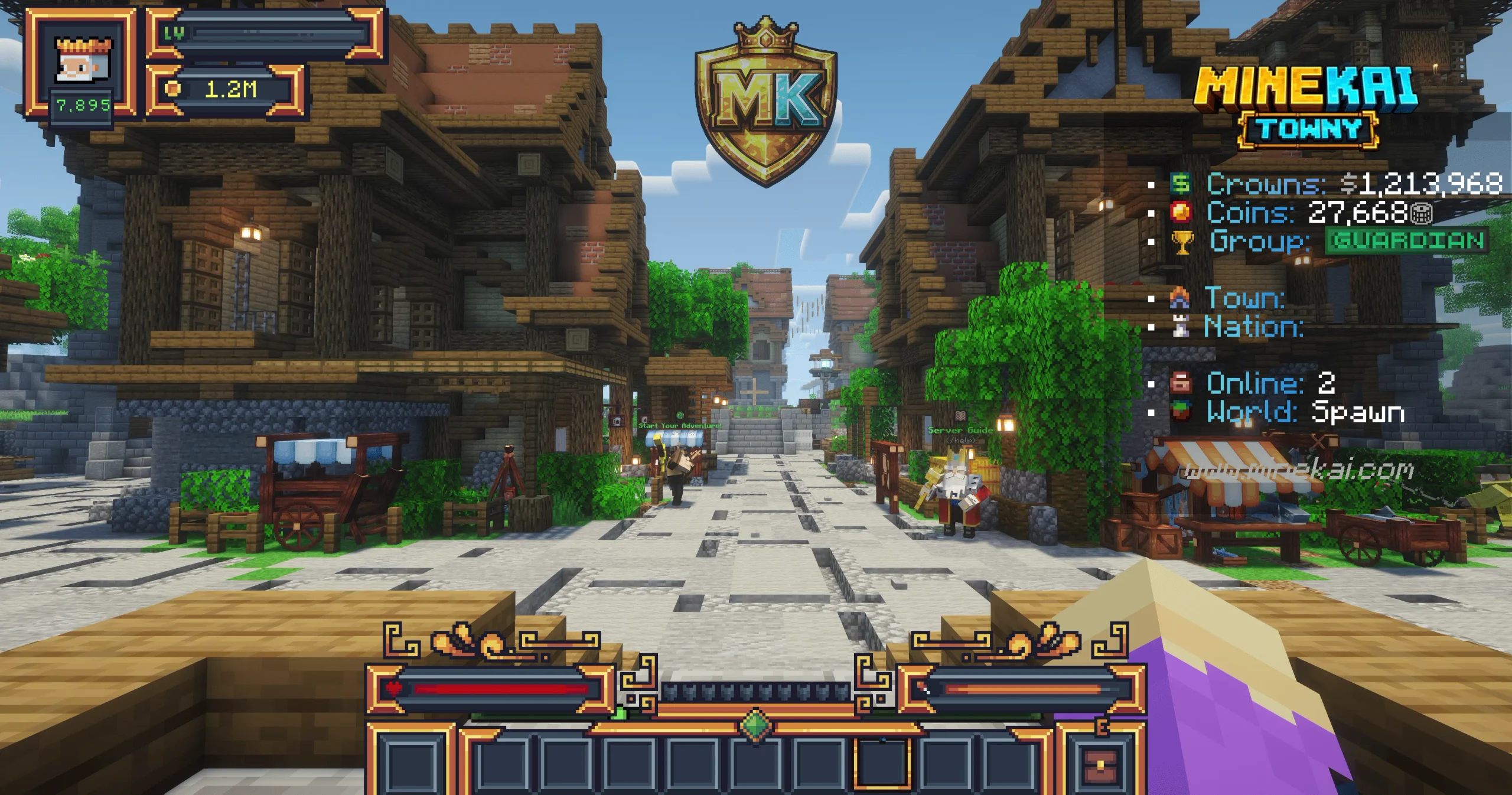
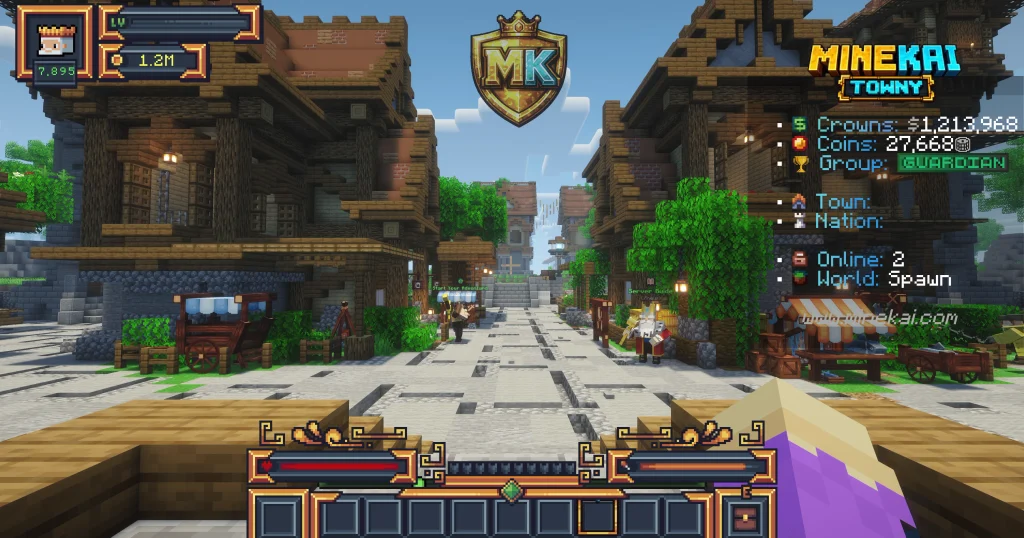
Location matters, too. On MineKai, players can establish settlements across a 40,000 × 20,000-block Earth world, where choosing a coastline, mountain pass, or trade-friendly location can shape the future of your town
3. How Towny Land Claims Work
Towny organizes claimed territory into townblocks, commonly based on 16 × 16 Minecraft chunks, although configurations differ
Useful commands include:
- /towny map to view nearby territory
- /town here to identify the local town
- /town claim to claim your current townblock, if authorized
- /town unclaim to release a townblock, if authorized
Important: A town claim belongs to the settlement, not automatically to one resident
Avoid claiming a continent on day one. Expansion can consume money or claim allowances, and enormous empty towns are surprisingly difficult to populate
4. Buying Your First Residential Plot
In many towns, the mayor or authorized staff can offer plots for sale using /plot forsale <price>
To purchase an available plot:
- Find a residential area with plots offered for sale
- Stand inside a plot that is available to buy
- Enter /plot claim
- Check the ownership and building rules before construction
Beginner tip: Never build before checking ownership, unless you enjoy spending six hours making a castle on somebody else’s carrot field
5. Protecting Your Builds
Towny can control whether residents, allies, or outsiders are allowed to interact with your land
Common permission categories are:
- Build: Place blocks
- Destroy: Break blocks
- Switch: Use certain doors, buttons, and mechanisms
- Item use: Use particular items within protected territory
Always review your town and plot permissions before opening storage rooms or inviting strangers inside
Otherwise, your treasure chest may accidentally become the server’s newest donation center
Protection settings and available management commands vary by server, so consult the local help menu rather than copying settings blindly
6. Taxes, Town Banks, and Upkeep
Founding a settlement is exciting, but the town bank deserves as much attention as the castle walls
Depending on the server, towns may have founding fees, claim costs, resident taxes, or recurring upkeep
- /towny prices can show Towny-related costs
- /town deposit <amount> adds funds to the town bank
- /towny time shows when the next Towny day begins
Before expanding, estimate your recurring expenses and keep an emergency reserve
A small settlement with five active residents can be healthier than a giant kingdom whose treasury holds three coins and an emotional support carrot
7. How to Earn Money as a Beginner
Your first goal is financial stability, not a throne made of diamond blocks
On many Towny servers, players can earn money through farming, mining, jobs, player shops, resource trading, and special events
On MineKai, for example, in-game coins can also be earned through activities such as voting, boss fights, and chat games, giving players additional ways to progress without purchasing currency
Practical strategy: Pick one reliable source of income, save enough for your plot and basic equipment, then experiment with trading or larger construction projects
8. Building a Town People Want to Join
Your first residents need more than a list of rules and a dramatic speech about loyalty
Offer clear plot boundaries, reasonable taxes, and useful shared spaces:
- A town hall for information and announcements
- Public farms for newcomers
- Roads connecting neighborhoods
- A safe marketplace for trading
- Community storage with carefully chosen permissions
On servers with TownyChat, /tc may let residents communicate in their town channel
Promote trustworthy players to management roles gradually, and keep building expectations understandable
Nobody wants to wait three business days for the mayor to approve a fence
9. Nations, Diplomacy, and Wars
Some servers let towns join nations, cooperate with allies, and participate in political rivalries or conflicts
Use /nation to explore nation information, then check your server’s specific nation and war rules
Not every Towny world supports sieges or unrestricted attacks, so never assume you can demolish a neighboring castle because their flag offended you
10. Five Beginner Mistakes to Avoid
- Overclaiming land: Expand when you can use and support the territory
- Ignoring taxes: Learn the server’s financial rules before founding a town
- Building on unowned plots: Verify ownership before placing your first block
- Giving everyone admin access: Delegate carefully and protect town funds
- Assuming every server is identical: Commands, protection, PvP, and war mechanics may differ
Most Towny disasters begin with somebody saying, “Trust me, I know what I’m doing”
11. Essential Towny Commands at a Glance
| Command | What it does |
|---|---|
| /town | Shows your town information |
| /town list | Lists existing towns |
| /town spawn | Teleports to your town’s spawn, if available |
| /towny map | Displays nearby claims |
| /plot claim | Claims an available personal plot |
| /town deposit <amount> | Deposits money into the town bank |
| /resident | Shows resident information |
| /nation | Shows nation information |
For additional commands and explanations, the MineKai Towny commands guide offers a detailed reference covering town management, plots, residents, and nations
Remember that some actions require particular roles or permissions
Final Thoughts
You don’t need hundreds of residents or a Netherite army to enjoy Towny
Start small, learn the rules, protect your land, manage your money, and find people who enjoy building something together
Your first wooden shack could grow into a bustling medieval capital with markets, alliances, and an unnecessarily complicated political system
Just keep a few coins in the bank, because even virtual kingdoms have bills to pay