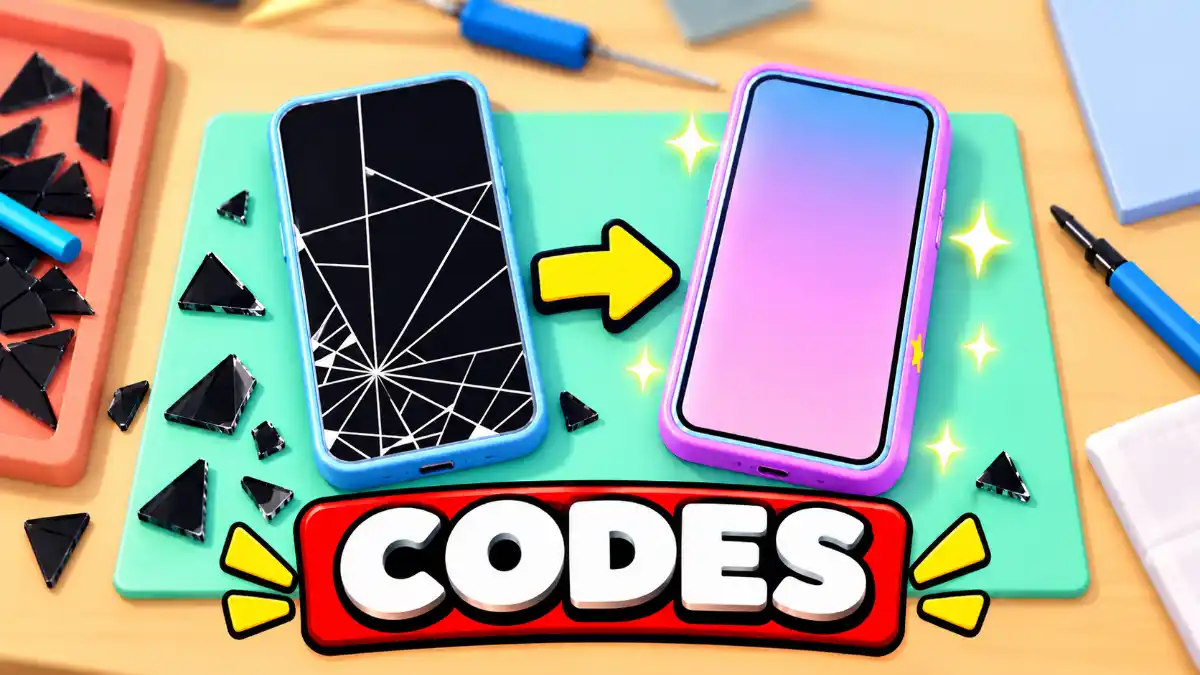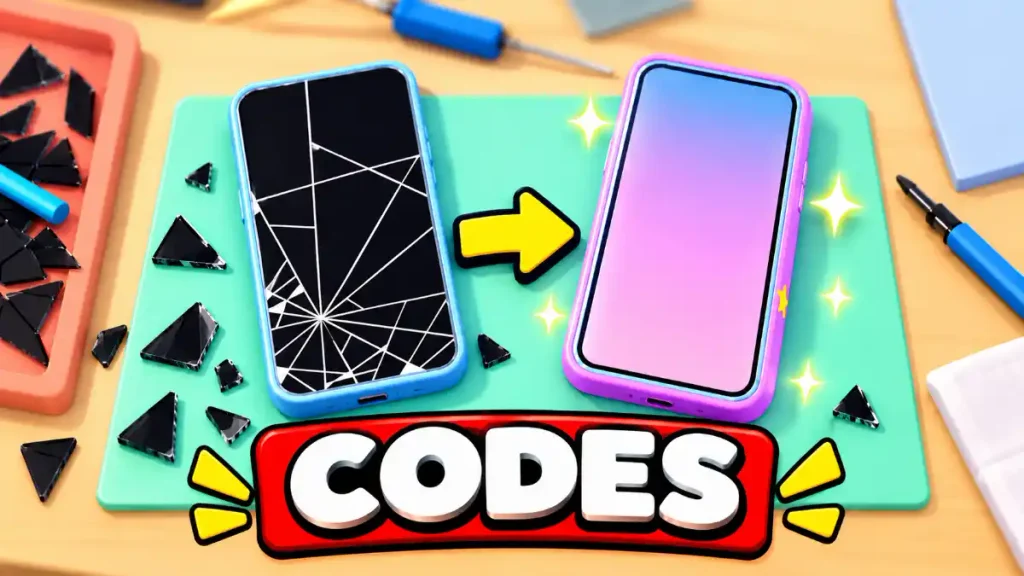
Fix My Phone! puts you in charge of a Roblox repair shop, where you replace cracked screens, swap batteries, and customize phones while growing your business. As you complete more repairs, you can expand your workspace with extra benches and hire technicians to help.
The latest Fix My Phone codes include rewards such as a cash boost, a Bubble Pop Case, and a Loot Key. Below, you’ll find the code list, rewards, and the steps to redeem them through your in-game phone.
Latest Fix My Phone codes
Here are the codes:
| Code | Reward |
|---|---|
RELEASE | 2× Cash for 15 minutes |
NOBUBBLES | 1 Bubble Pop Case |
FIXIT | 1 Loot Key |
All codes listed above have been manually tested and confirmed working.
How to redeem codes
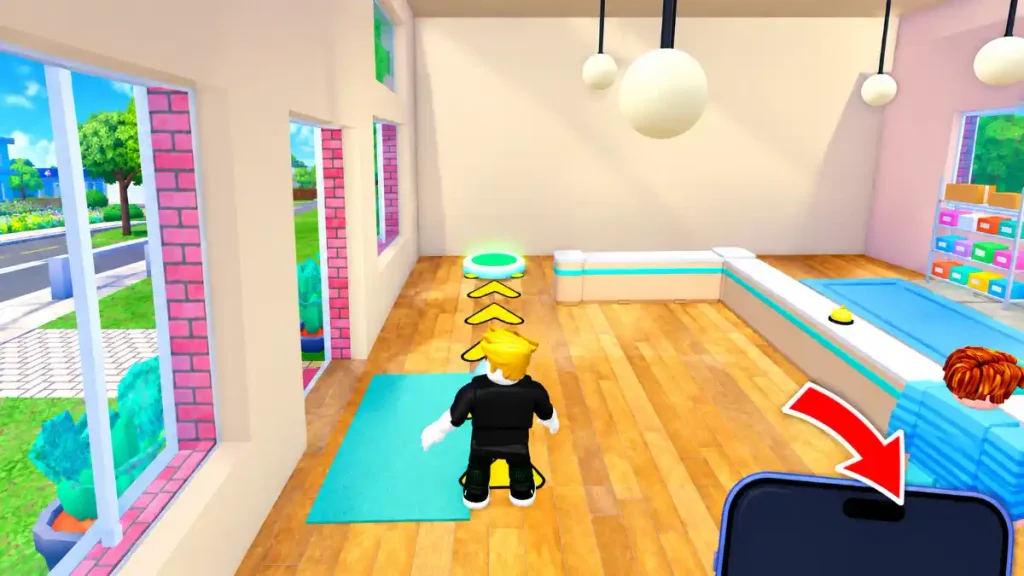
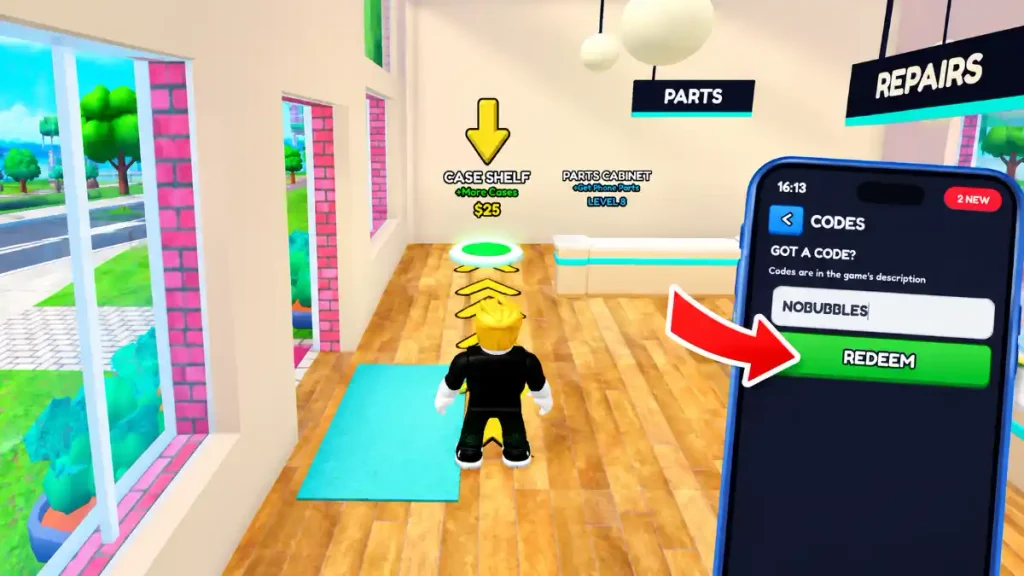
You can enter codes through the Codes app on your in-game phone. Follow these steps:
- Launch Fix My Phone! on Roblox.
- Find the phone at the bottom-right corner of your screen.
- Drag the phone upward to open it.
- Select the
CODESapp. - Enter a code from the table above.
- Press
REDEEMand check the confirmation message.
Enter only the code, without the reward description. If the interface looks different, check your in-game phone for the current redemption option.
Expired codes
There are no confirmed expired codes to list.
Why are my codes not working?
Check the spelling first and make sure you have not included extra text when copying a code. Compare your entry with the table before trying again.
Also, read the message displayed after pressing REDEEM. Different messages may indicate different issues, so a failed attempt does not automatically mean a code has expired.
The game’s exact error messages and repeat-redemption rules have not been independently verified for this guide.
Where to find more codes
Check the official Roblox game page for developer announcements, linked community and Official Discord channels. Make sure the experience is created by Doubloons before following any associated accounts.
Use the links provided directly on the game page to identify official channels rather than relying on similarly named account
Check Out Also: All New Roblox Game Codes