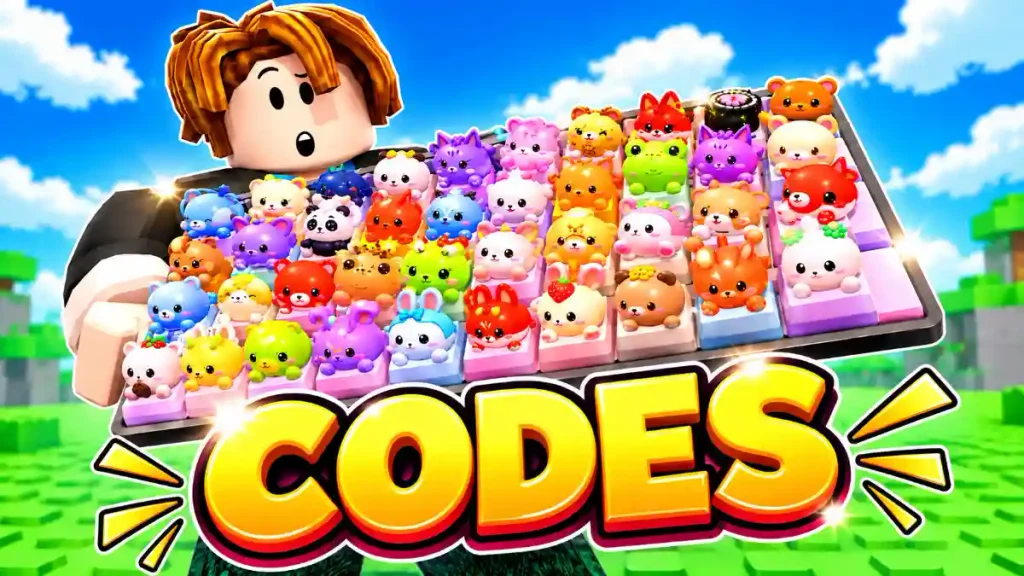
Custom Keyboards is a Roblox collecting game where you kick keyboards to roll for keycaps, place them on your own board, and step on them to earn cash. The rarer the keycaps you collect, the better your setup can become as you save for stronger keyboards and more Kick Power.
Our Custom Keyboards codes list has every code currently shared by the developer. Redeem them for free in-game rewards that can help you build your keyboard faster, collect useful items, and get a head start without spending Robux. Use them soon, as Roblox codes can expire after events, updates, or new like milestones.
All Custom Keyboards Codes
Here are all the working Custom Keyboards codes currently listed by the developer:
| Code | Status / notes |
|---|---|
| 6MILVISITS | Reported working September 30 |
| DUMPLING | Reported working September 30 |
| STICKERS | Listed on the developer’s Roblox game page as a newest code |
| PETS | Listed on the developer’s Roblox game page as a newest code |
| 4MILVISITS | Legendary Pack, Boba Pack, Wheel Spin, 15 minutes of 2x Kick Power, and 10 minutes of 2x Cash (NEW) |
| 5000LIKES | Legendary Pack, 50 Bobas, 10 minutes of 2x Luck, 10 minutes of 4x Rolls, and 20 minutes of 50% Slower Wave (NEW) |
| 200KFAVS | Legendary Pack, 2 Wheel Spins, 10 minutes of 2x Luck, 10 minutes of 4x Rolls, and 20 minutes of 50% Slower Wave (NEW) |
| 200KMEMBERS | Legendary Pack, 2 Wheel Spins, 10 minutes of 2x Luck, 10 minutes of 4x Rolls, and 20 minutes of 50% Slower Wave (NEW) |
| NEWRARITY | Legendary Pack, Wheel Spins, 10 minutes of 4x Rolls, 10 minutes of 2x Luck, and 20 minutes of 50% Slower Wave (NEW) |
| 6000LIKES | Legendary Pack, 10 minutes of 4x Rolls, 10 minutes of 2x Kick Power, 10 minutes of 2x Luck, and 10 minutes of 50% Slower Wave (NEW) |
| UPDATEYAY | Legendary Pack, Wheel Spin, 10 minutes of 2x Cash, and 15 minutes of 2x Kick Power (NEW) |
3000LIKES | Listed as a newest code on the official Roblox experience page. |
SLOWWAVE | Listed as a newest code on the official Roblox experience page. |
SECONDAA | Listed as a newest code on the official Roblox experience page. |
BOBA | Reported active by a recently updated codes guide; rewards include 2× Luck, 20,000 Cash, and a Boba Pack. |
TRADING | Listed by a Custom Keyboards guide updated this week. |
2000LIKES | Listed by a Custom Keyboards guide updated this week. |
The official game page lists these codes, although it does not show the exact reward connected to every code. Redeem them in Custom Keyboards to see which freebies are currently available.
Expired Codes
There are currently two expired Custom Keyboards codes: 1000LIKES and 1500LIKES.
| Code | Status |
|---|---|
650LIKES | Reported active; reward bundle includes packs, Luck, Kick Power, and cash. |
1000LIKES | Expired — manually tested |
1500LIKES | Expired — manually tested |
When a code expires, we will move it to this section. If one of the codes above does not work, check that you entered it correctly. It may also have expired recently or already been redeemed on your Roblox account.
How To Redeem Codes
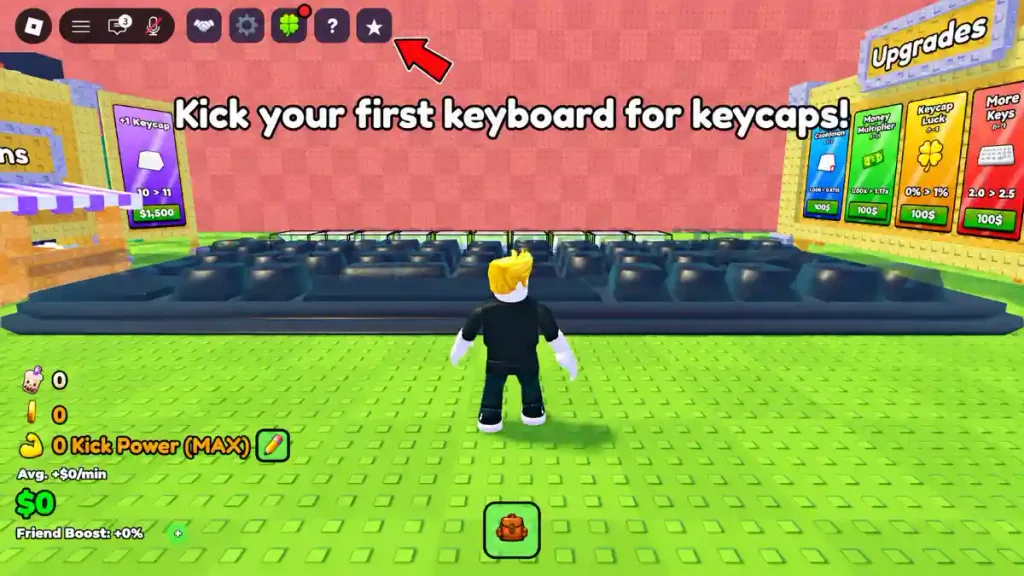
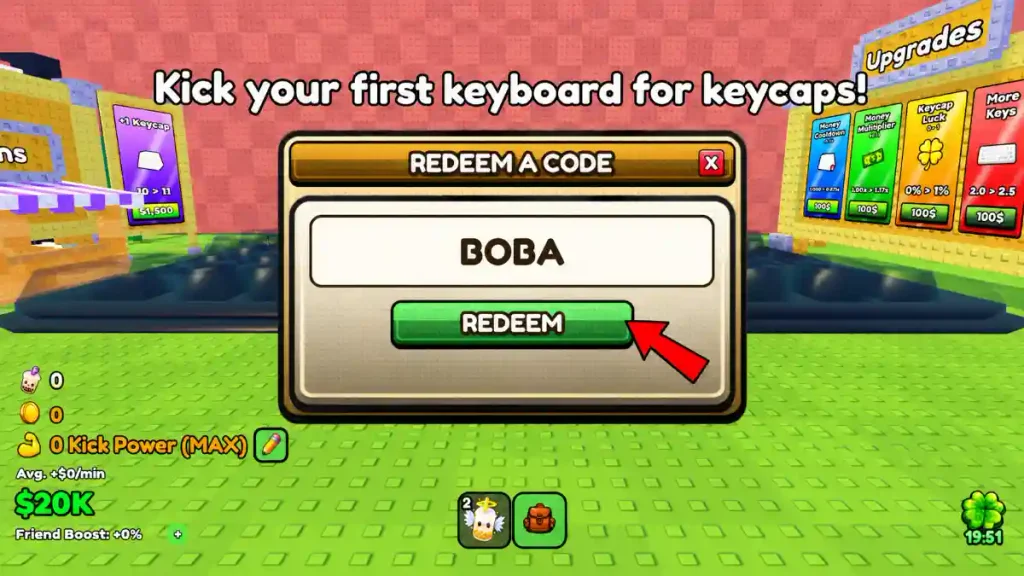
It is easy to claim free rewards in Custom Keyboards. Follow the steps below:
- Open Custom Keyboards in Roblox.
- Click the Shop button on the screen.
- Look near the bottom of the Shop menu for the code box.
- Type or paste a working code into the text box.
- Press the redeem button to claim your reward.
Enter every Custom Keyboards code exactly as it appears in the list. Codes can be case-sensitive, so use capital letters and avoid adding spaces before or after a code.
How To Get More Codes
The best place to find new Custom Keyboards codes is the game’s official Roblox page. The developer can add codes to the experience description when the game receives a new update, reaches a like goal, or starts a special event.
Several current codes are linked to milestones, including 650LIKES, 1000LIKES, 1500LIKES, and 2000LIKES. This means the next code could arrive after Custom Keyboards reaches another like target.
The game is also running a limited-time Boba event. Players can collect boba for event rewards, and the developer has added the BOBA code as part of the event. Check the game description during new events so you do not miss future free rewards.
Bookmark this page and check back often for new Custom Keyboards codes.
Check Out Also: All New Roblox Game Codes