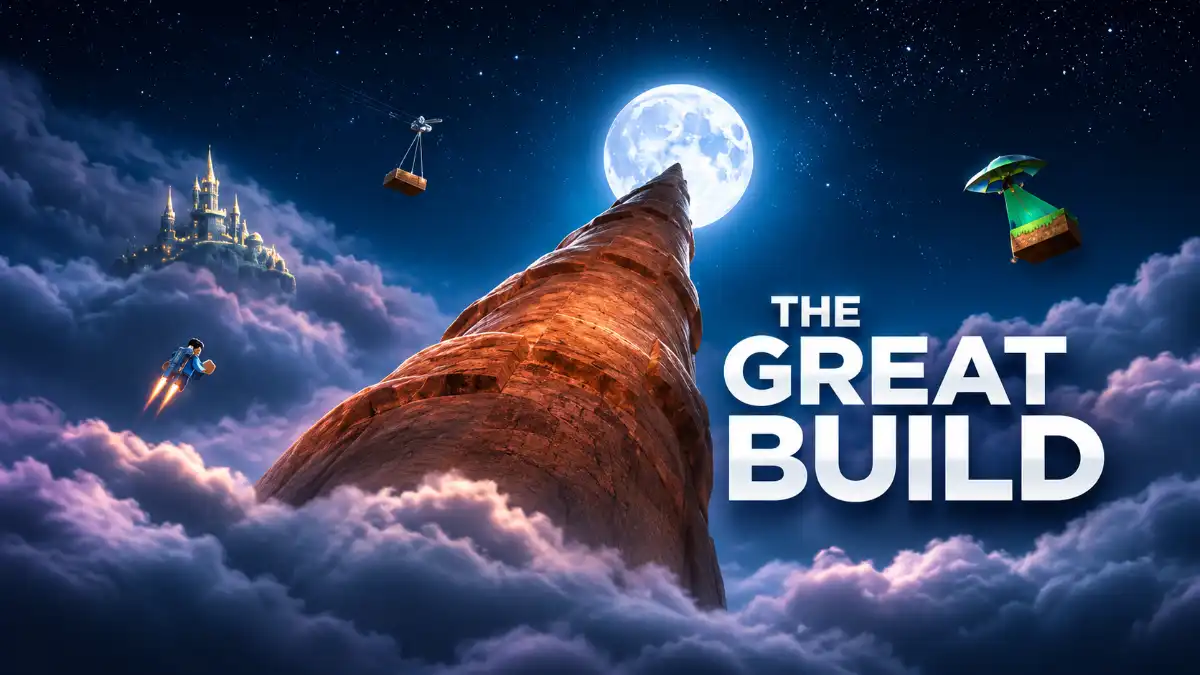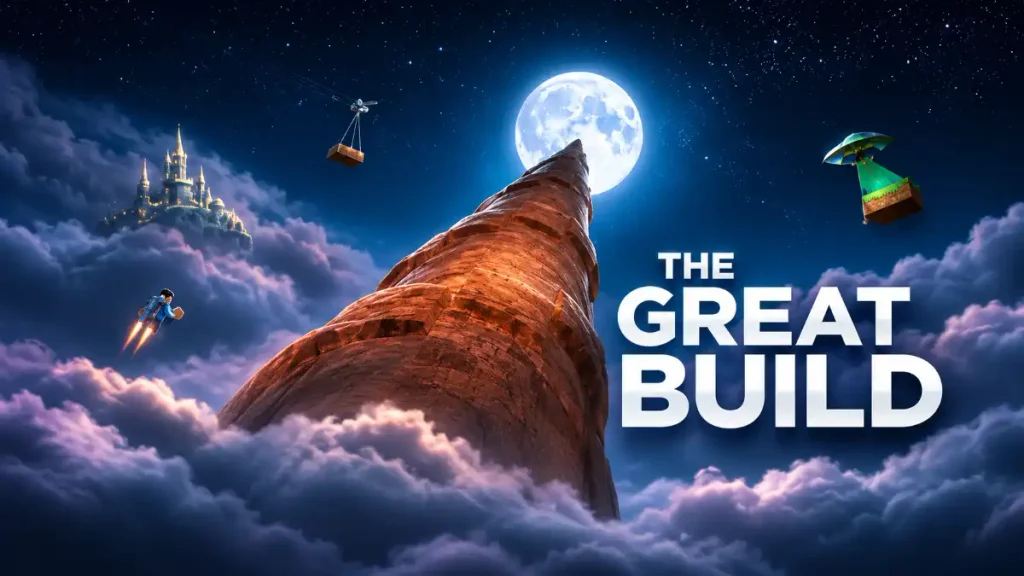
The Great Build is a Roblox Thanksgiving event where players build one giant tower together. Every player adds blocks with short gratitude messages, and the community unlocks free avatar items as the tower grows. The event runs from November 25 to November 30, 2026, and it is hosted by Roblox Presents. There are no codes to redeem. Everything is free.
This guide explains how the event works, how to place blocks, and how to get each of the 10 free items.
The Great Build Event at a Glance
- Dates: November 25 to November 30, 2026
- Host: Roblox Presents
- Cost: Free
- Codes: None needed
- Main goal: Place blocks and help the tower reach community milestones
- Free items: 10 avatar items
The event opened to the public around 1 PM EST on November 25. The tower passed 1 million blocks the same afternoon, so the first milestone was reached within hours.
How to Place Your First Block
Follow these steps to join the build:
- Open The Great Build experience on Roblox.
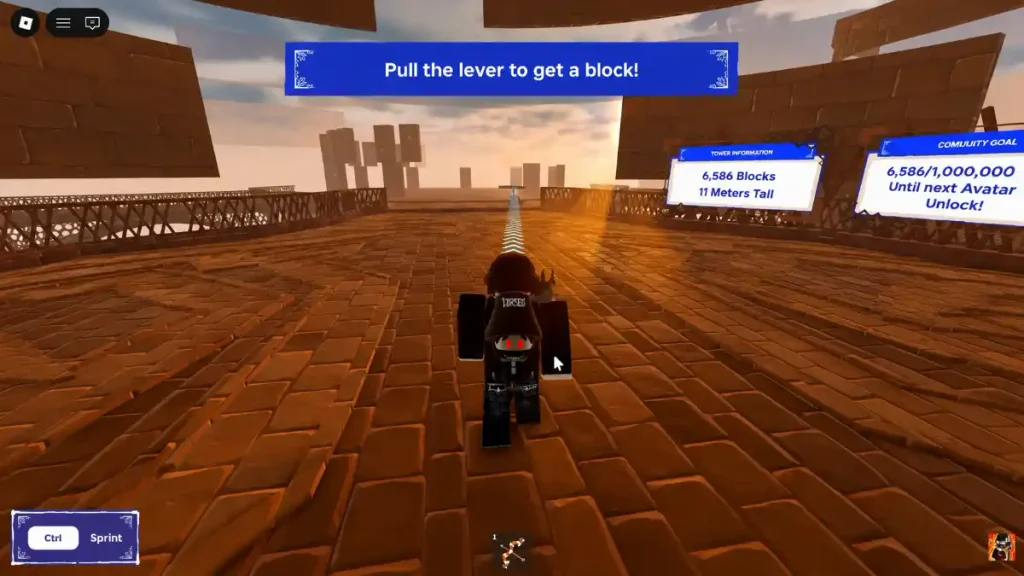
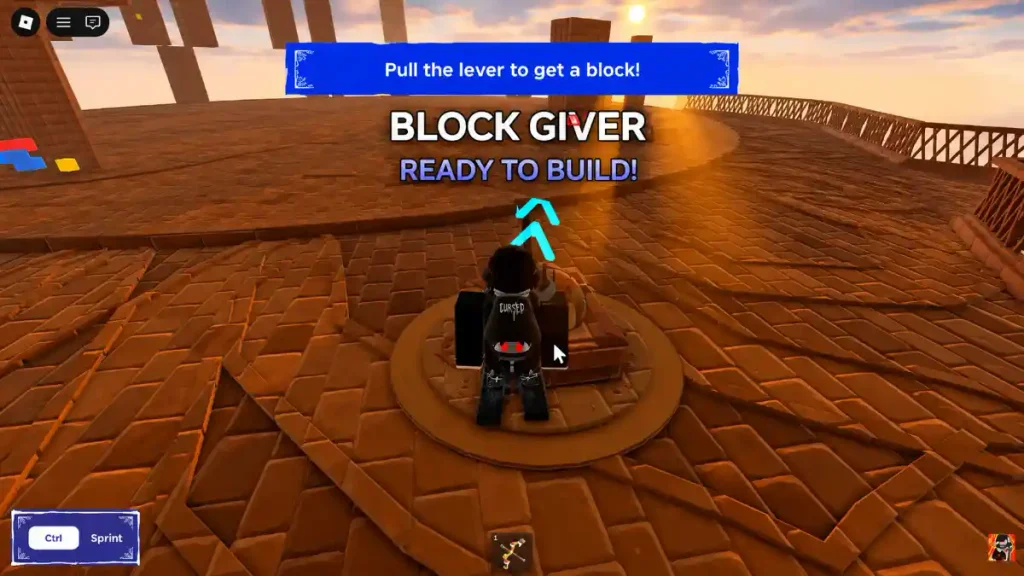
- Go to the Block Giver lever in the hub and collect your free block.
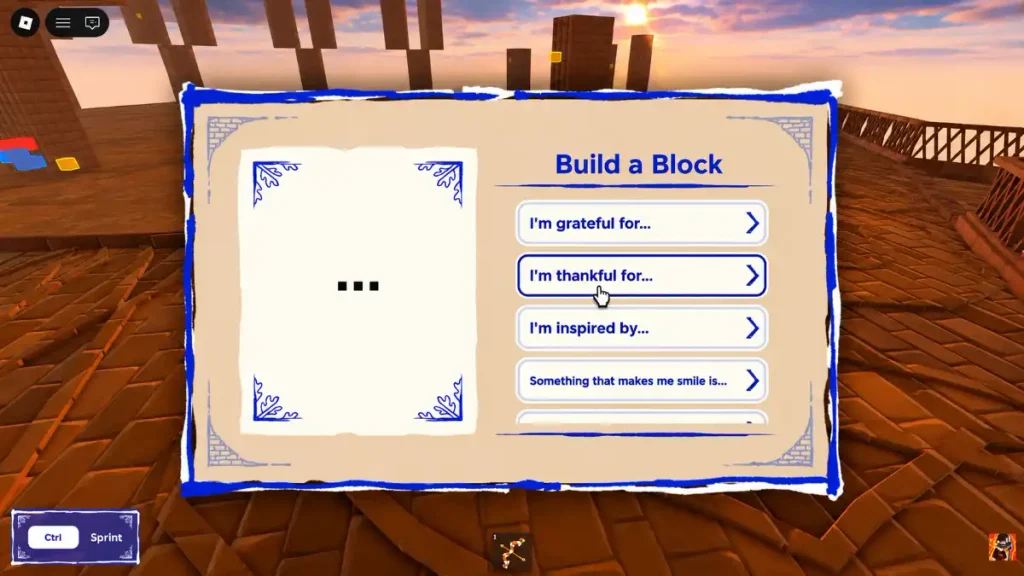
- Build your gratitude message from the preset choices. You pick what you are grateful for and how you want to say it.
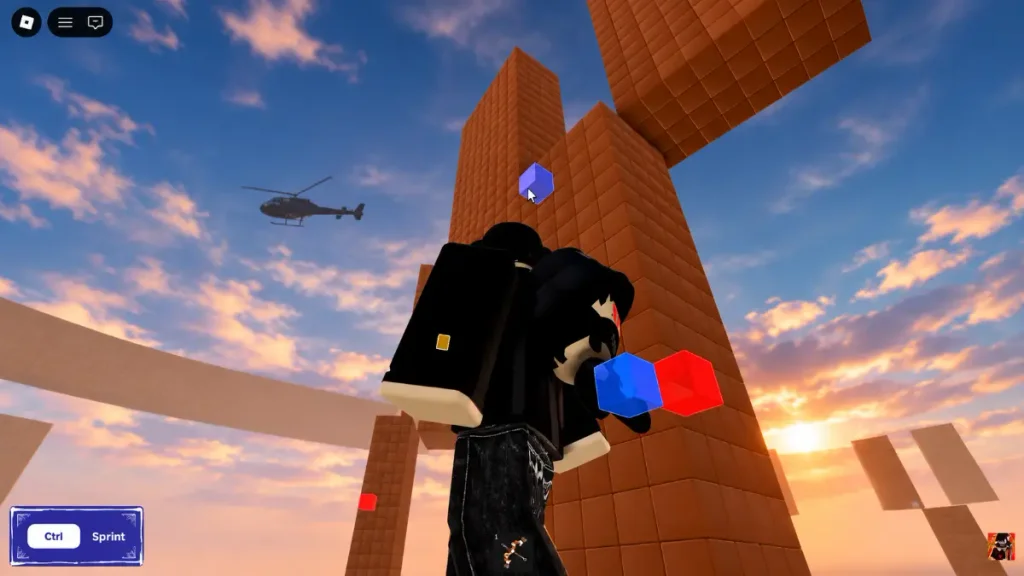
- Send the block up. Your username goes on it, and it joins the shared tower.
You cannot type your own message. The game uses presets, much like safe chat. The tower is the same on every server, so every player adds to one build.
How the Hourly Block Timer Works
You get a new block about once every hour. After you place one, a cooldown starts. Come back when it ends and place another.
Most items need five blocks in total. The blocks do not have to be placed one after another, so you can spread them across the event. Plan to log in several times a day.
Block Colors in the Tower
Blocks are highlighted based on who placed them:
- White: You
- Red: A Roblox admin
- Orange: Someone in your server
- Yellow: An influencer
- Green: A friend
- Blue: A developer
You can click a block to read its message. This is a fun way to see what other players are grateful for.
All 10 Free Items and How to Get Them
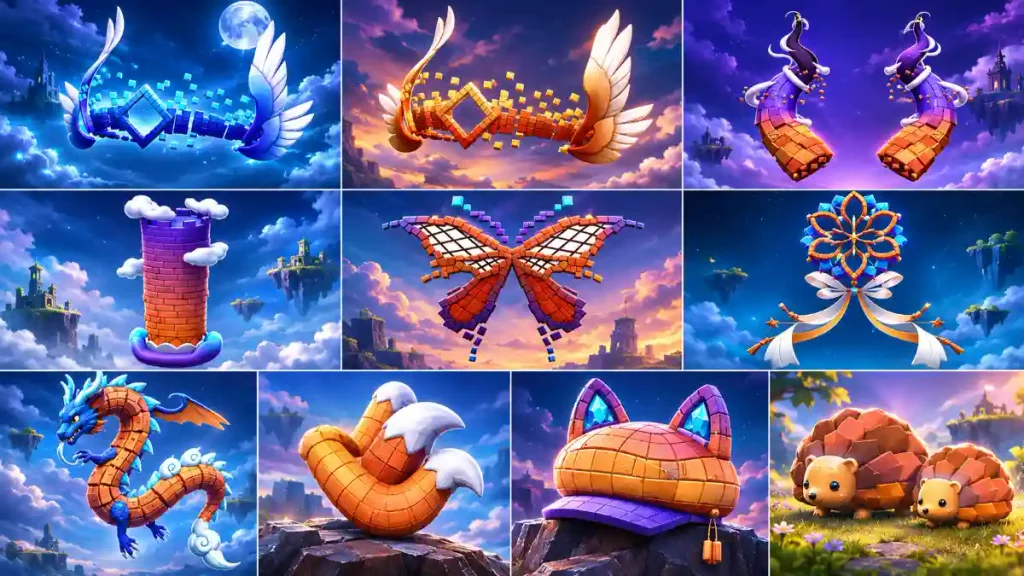
Milestone Items
These items unlock when the whole community reaches a block goal. After a milestone is reached, you also need to have placed five blocks.
- Brickle & Pebble: Place five blocks. No community goal is needed.
- Patchbrick Cap: Unlocks when the tower reaches 1 million blocks. This milestone is already complete.
- Snowcapped Brick Tails: Unlocks at 5 million blocks.
- Terracotta Skyserpent: Unlocks at 10 million blocks.
- The Ascendant Bloom: Unlocks at 20 million blocks.
Hub Activity Items
- Skybound Monarch: A back accessory. Finish the obby in the hub once to earn it. Players also report that the obby unlocks flight in the hub afterward.
- Cloudtop Tower: A hat. It comes from the scavenger hunt.
- Cloudbreaker Horns: It comes from the time trial.
The scavenger hunt and the time trial are not open yet. Their reward spots exist in the hub, but pressing the claim button shows a “Failed to claim” message. Roblox may open them later in the event, so check the hub each day.
Launcher Items
- Golden Brick Circlet: Get it from a Star Creator who is running the launcher.
- Sapphire Brick Circlet: Get it from a Roblox admin who is running the launcher.
These items are caught from launchers that creators and admins use. Admins can show up in normal public servers, and some Star Creators stream for long hours. Watch for them while you play.
How to Claim Your Items
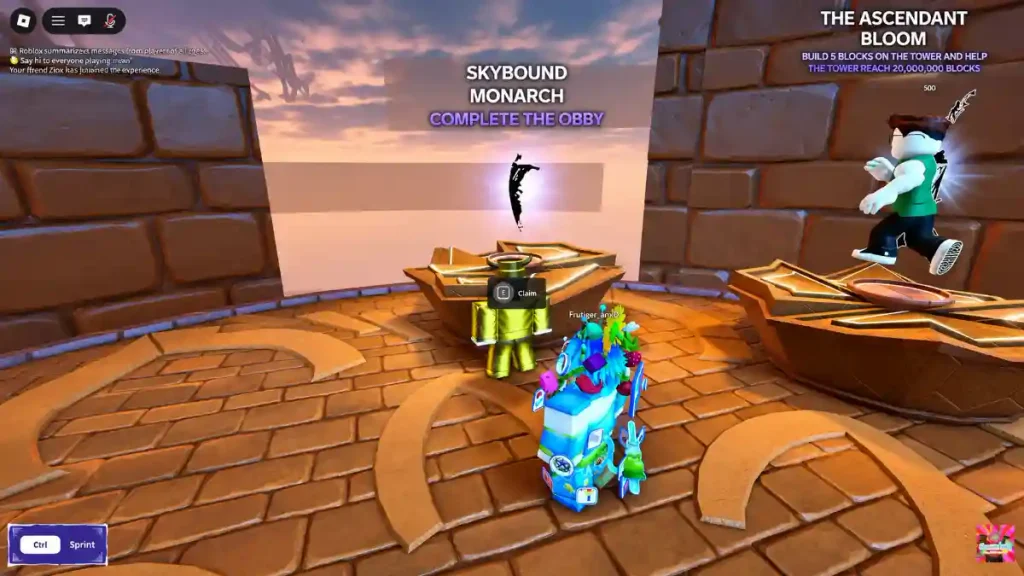
Items do not arrive on their own. Follow these steps:
- Make sure you have placed five blocks.
- Check that the milestone is reached for that item.
- Walk to the item podium in the hub.
- Press E (or tap on mobile) to claim it.
If you try too early, you will see a “Failed to claim” message. This does not hurt anything. Try again once you meet the requirements.
Your badge may pop up late, and the item may show in the Avatar Editor before it shows in your inventory. Give it a minute or two.
How to Track Tower Progress
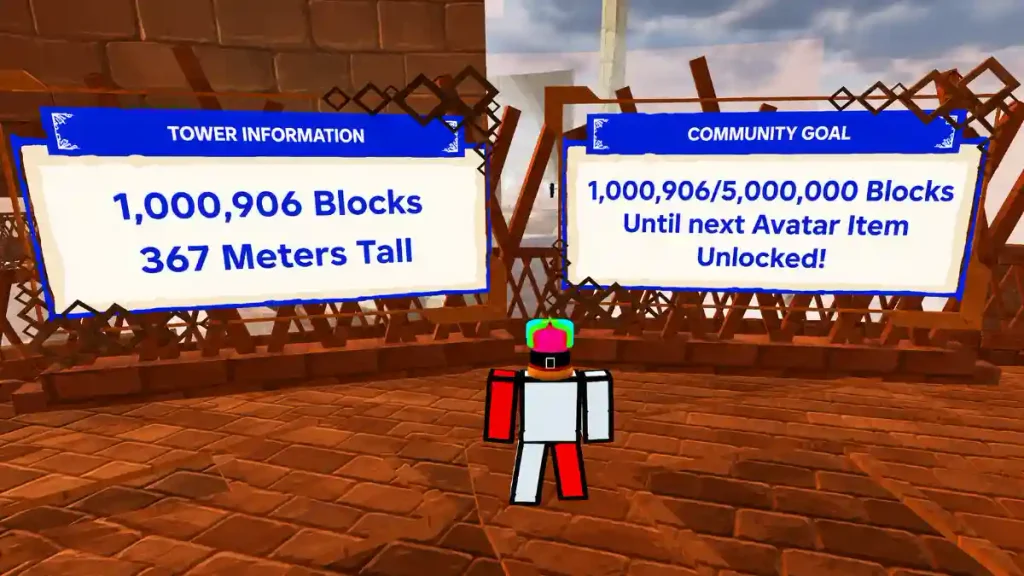
The hub has two boards that help you:
- Tower Information board: Shows the current number of blocks.
- Community Goal board: Shows how far the tower is from the next milestone.
Milestone numbers change every hour, so check these boards instead of relying on old numbers. Because the first milestone was reached in about three hours, the next ones may also come quickly, but the higher goals need many more blocks.
Tips to Finish Everything Before November 30
- Place your five blocks early. This is the one requirement you control.
- Log in at different times. The hourly timer means more visits equal more blocks.
- Finish the obby once. It gives you Skybound Monarch right away.
- Ask friends to join. More players means the tower grows faster and unlocks items sooner.
- Check the hub daily. The scavenger hunt and time trial may open at any time.
- Look for launchers. Join busy servers and watch for admins and Star Creators.
- Claim items as soon as they unlock. Do not wait until the last day.
What Players Think of the Event
Reactions are mixed. Some players like the relaxed pace and the free items. Others dislike the one-hour wait, the preset-only messages, and the small amount of gameplay. If you only want the items, the event is easy and takes little time each visit.
Final Thoughts
The Great Build is a simple way to earn free Roblox items. Place your blocks, finish the obby, and watch the Community Goal board. Keep an eye out for the scavenger hunt and time trial, plus launchers from admins and Star Creators. The event ends on November 30, so start early and claim everything you can.